Turn your leads into clients
A CRM built for field services. Track your leads from first contact to conversion into a work order, with automatic follow-ups and document generation.
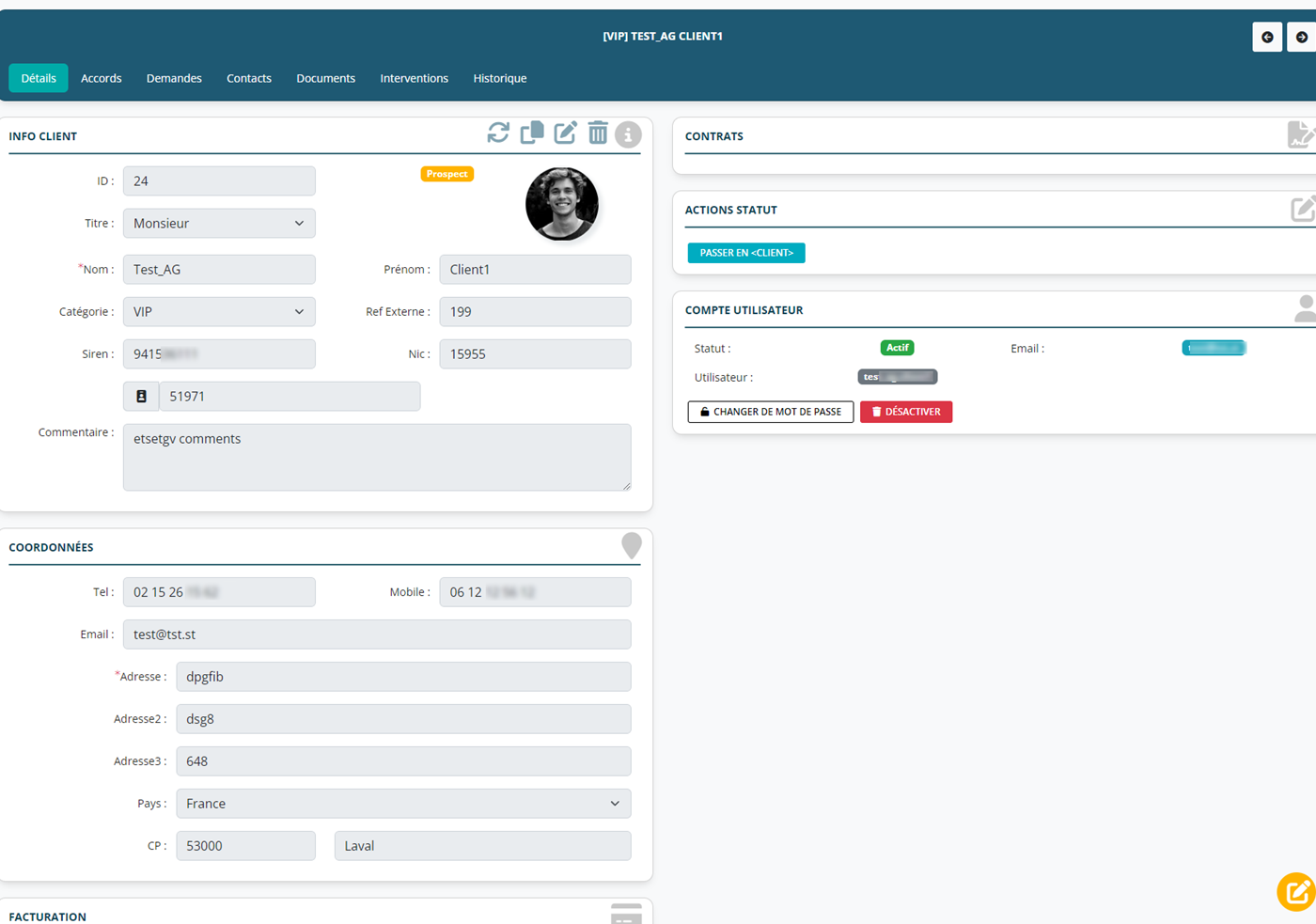
A CRM designed for the field
All the features you need to manage your leads and convert them into clients.
Visual Kanban pipeline
Visualize each lead's journey: New → In progress → Quote sent → Visit scheduled → Converted.
Automatic follow-ups
Schedule automatic reminders and emails so you never forget to follow up with a lead.
Document generation
Automatically create summaries, quotes and custom documents in one click.
3CX telephony integration
Incoming-call notifications, click-to-call and a history of phone exchanges.
Custom workflows
Define your own stages and automatic actions to match your sales process.
Conversion into a work order
Turn a qualified lead into a client and schedule the work order in just a few clicks.
Track every lead step by step
The visual pipeline lets you see at a glance where each lead stands in your sales process. Quickly spot the opportunities that need a follow-up.
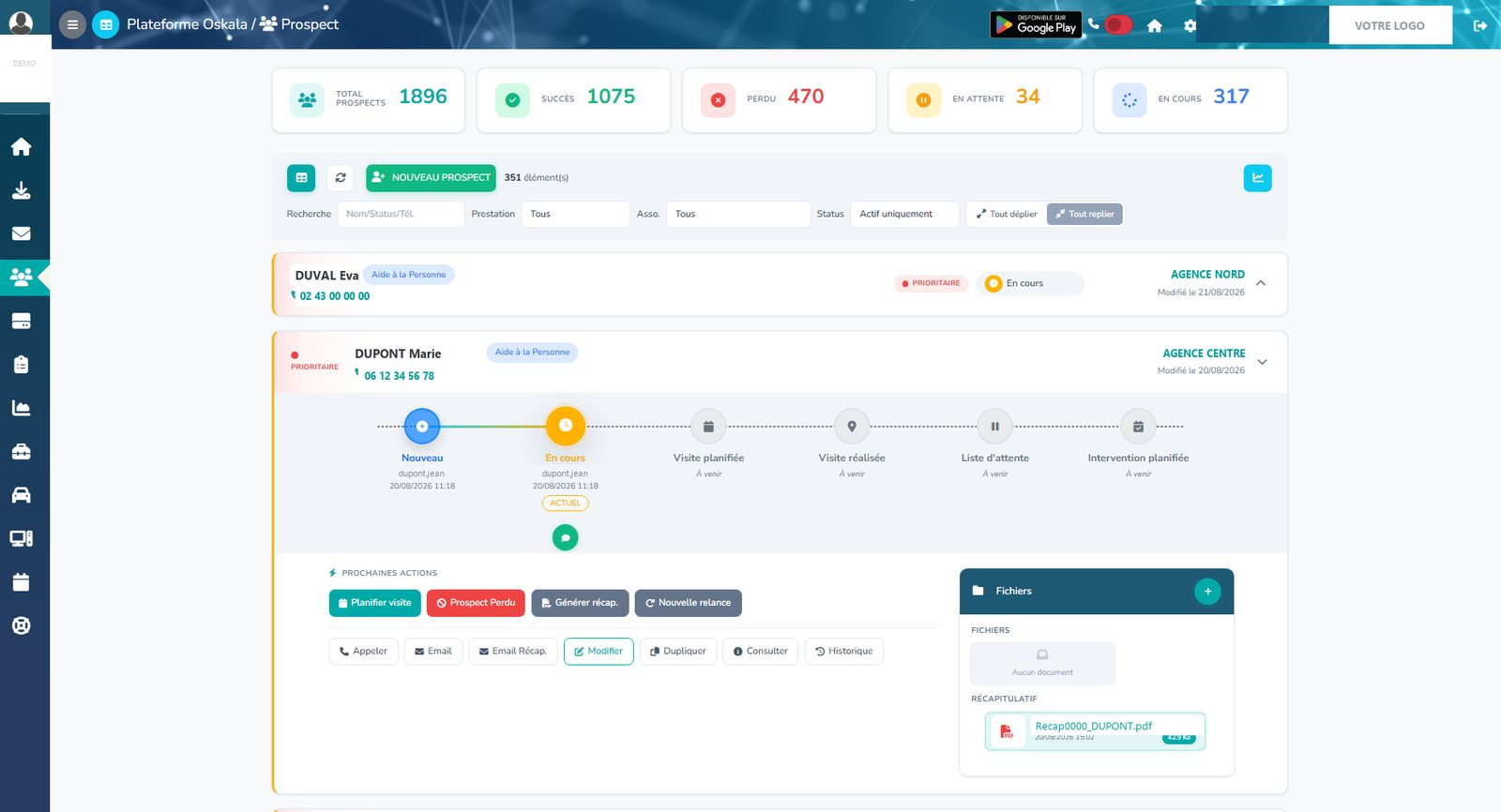
All the information in one place
Each lead has a complete record with their contact details, exchange history, generated documents and next actions.
Save time with workflows
Automate repetitive tasks so you can focus on the client relationship.
Automatic emails
Send confirmations, reminders and follow-ups with no manual effort.
Scheduled reminders
Notifications to follow up with leads at the right time.
Document generation
PDF summaries generated automatically and sent by email.
3CX integration
Caller-ID pop-up on incoming calls and click-to-call.
Frequently asked questions
Turn more leads into clients
Request a demo and discover how the Leads module can boost your sales prospecting.
10-day free trial • No commitment